
Animate Old Photos
See family from decades ago blink, smile and move again. The original grain and tones of the print are kept.
Your result will appear here.
Made from a single photo
Source photos shown. Hover to preview the motion style.
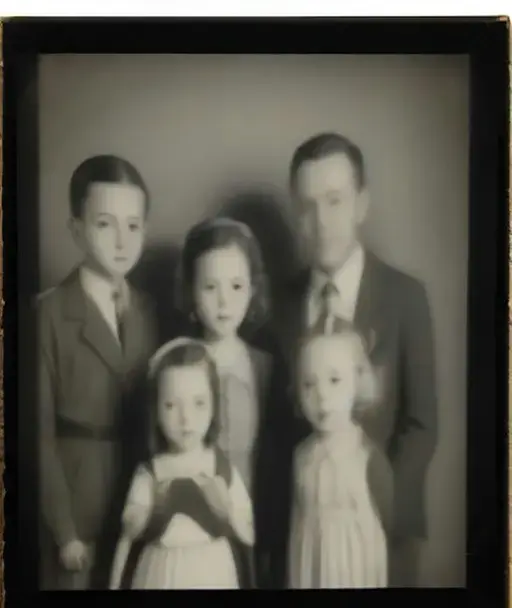
1940s family portrait01A 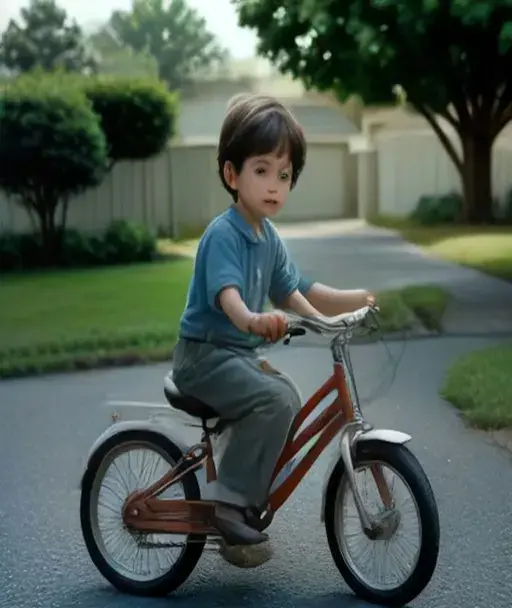
1960s snapshot02A 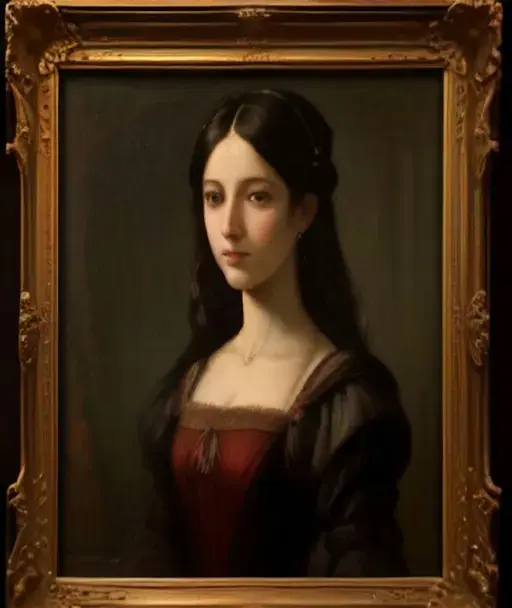
Ancestor portrait03A 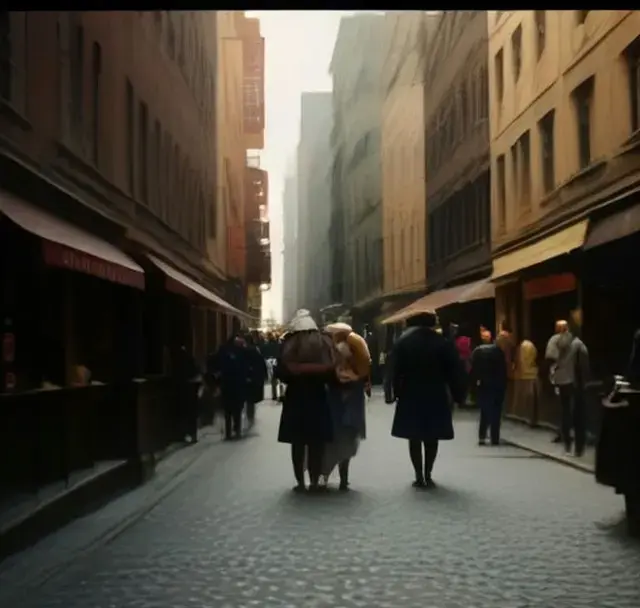
Colorized 1930s street04A
How AI can animate old photos
Old photographs freeze a single moment. AI can now give that moment a few seconds of life: a grandmother turns her head and smiles, a soldier blinks, children in a 1950s snapshot fidget and laugh. The model understands faces even in black and white or faded color and adds subtle, believable motion.
Our old photo preset is tuned to respect the original: it keeps film grain, sepia or monochrome tones and the period look instead of making the scene look modern. Scan or photograph the print, upload it, and share the result with family.
Made for family history
Vintage look preserved
Grain, tones and era are kept so the clip still feels like the original photo.
Gentle, respectful motion
Subtle blinks and smiles by default, never exaggerated.
Works with scans and phone shots
A photo of the print taken with your phone is enough.
Colorize first, if you like
Use the colorize photo effect, then animate the colorized result.
How to animate an old photo
- 1
Digitize the print
Scan it, or photograph it flat in daylight without glare.
- 2
Crop to the people
Faces that fill more of the frame animate better.
- 3
Animate and share
Generate, download and send it to the family chat.
Frequently asked questions
Your photo is one minute away from moving.
Upload a photo