
Photo to Pixel Art Converter
Turn your picture into 16-bit retro game art.
Your result will appear here.
Made from a single photo
Source photos shown. Hover to preview the motion style.
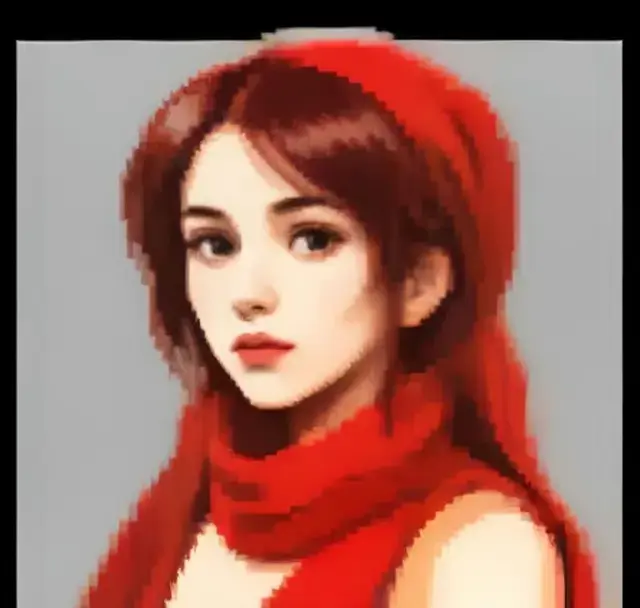
Retro portrait01A
What is the photo to pixel art converter?
Pixel art conversion redraws your photo as if it were a character from a 16-bit console game, with a limited palette and visible pixels. Unlike a mosaic filter, the AI redraws shapes so the result reads clearly.
Use it for avatars, game assets, Discord profiles and Twitch emotes.
Best photos for this effect
Faces and characters
Strong silhouettes survive the low resolution.
Pets
Pets make great sprites.
Simple scenes
Simple scenes read better as pixels.
How to use the photo to pixel art converter
- 1
Upload a photo
Choose a clear photo; faces should be well lit and in focus.
- 2
Apply the style
The photo to pixel art converter is already selected. No prompt needed.
- 3
Download and share
Get your new image in seconds and download it in full resolution.
Frequently asked questions
More AI tools
- photo effectsAnime, sketch, cartoon, colorize and more.
- ghibli style photoHand-painted anime film look.
- ai action figureBecome a boxed collectible toy.
- photo to cartoonClean 2D cartoon with bold lines.
- photo to sketchDetailed graphite pencil drawing.
- animate imageBring any still image to life with natural motion.
Your photo is one minute away from moving.
Upload a photo