
Watercolor Photo Effect
Repaint your picture with loose, soft watercolor washes.
RESULT · 01A
Your result will appear here.
Made from a single photo
Source photos shown. Hover to preview the motion style.
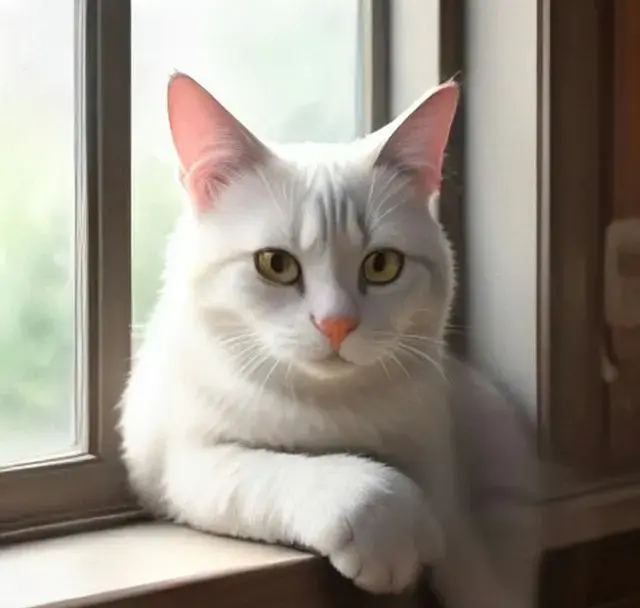
Cat on the windowsill01A
What is the watercolor photo effect?
The watercolor effect repaints your photo with soft color washes, gentle bleeding edges and visible paper grain, closer to a real painting than a simple filter.
It is lovely for greeting cards, wedding stationery, pet portraits and wall prints.
Best photos for this effect
Pets and portraits
Soft subjects suit the medium.
Flowers and nature
Natural colors blend beautifully.
Travel photos
Landmarks become postcard paintings.
How to use the watercolor photo effect
- 1
Upload a photo
Choose a clear photo; faces should be well lit and in focus.
- 2
Apply the style
The watercolor photo effect is already selected. No prompt needed.
- 3
Download and share
Get your new image in seconds and download it in full resolution.
Frequently asked questions
Yes, results are high resolution and print well on cards and posters.
A photo effect costs 4 credits and returns a new high-resolution image. New accounts get free credits, and failed generations are refunded automatically.
Yes. Download the styled image and upload it to Animate Image or Image to Video AI to make it move.
More AI tools
- photo effectsAnime, sketch, cartoon, colorize and more.
- ghibli style photoHand-painted anime film look.
- ai action figureBecome a boxed collectible toy.
- photo to cartoonClean 2D cartoon with bold lines.
- photo to sketchDetailed graphite pencil drawing.
- animate imageBring any still image to life with natural motion.
Your photo is one minute away from moving.
Upload a photo