
Image to Video AI
Turn a still picture into a cinematic clip. Describe the action and the camera, and the AI renders it in HD.
Your result will appear here.
Made from a single photo
Source photos shown. Hover to preview the motion style.
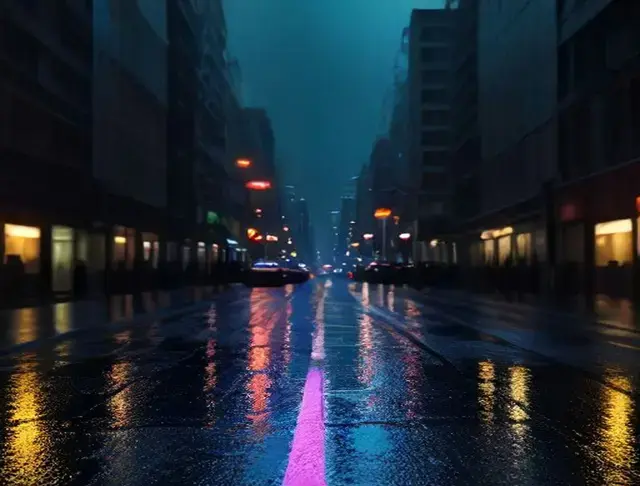
Rain, reflections, slow dolly01A 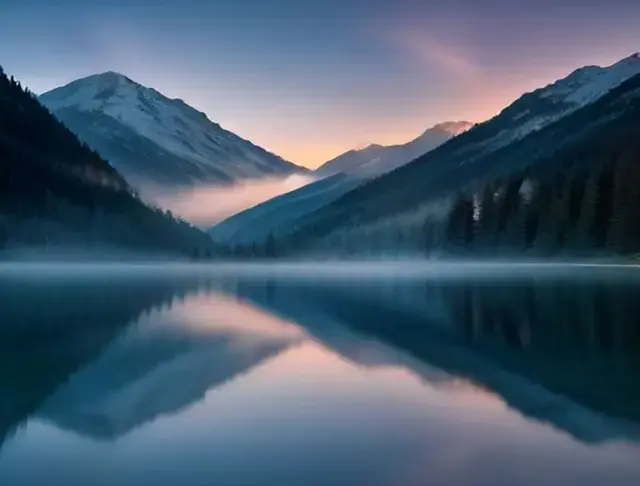
Mist rolls over the lake02A 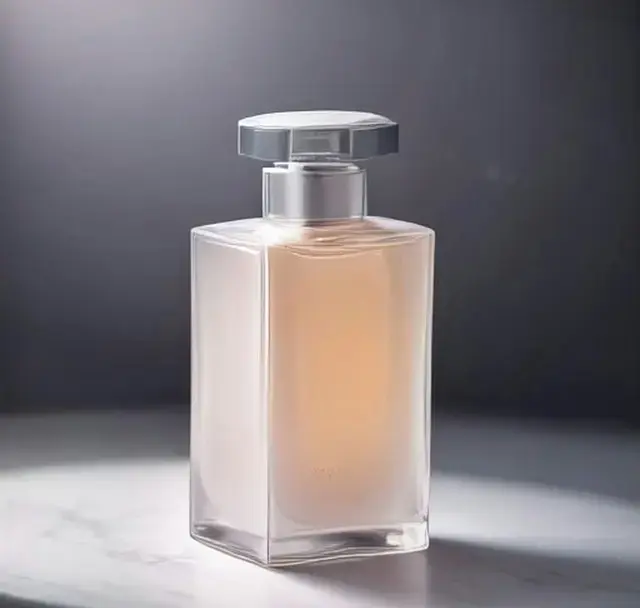
Product · orbit shot03A 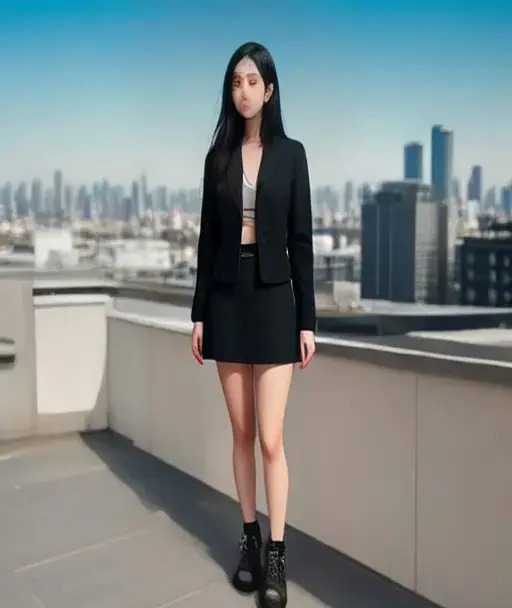
Wide shot · camera pull back04A 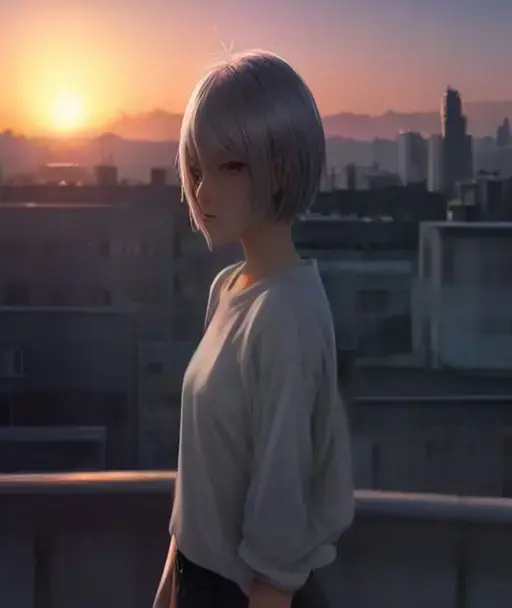
Art · wind and sunset light05A 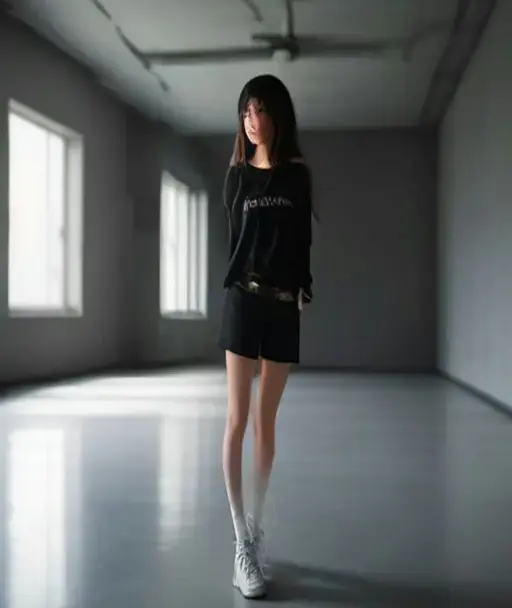
Person · starts to move06A
What is image to video AI?
Image to video AI takes one image as the first frame and generates a short video that continues it. The model fills in realistic motion for people, animals, water, smoke and light, and can also move a virtual camera through the scene: push-ins, orbits, drone pull-backs.
Creators use it to turn concept art into moving shots, marketers to make product videos from a single packshot, and everyone else to give holiday photos a bit of life. Unlike a slideshow maker, the motion is generated, not just a zoom across a still.
Built for cinematic results
Camera language
Write "dolly in", "orbit around", "handheld" or "aerial pull back" and the model follows.
5 or 10 seconds
Short clips for loops and social, longer clips when the scene needs time to unfold.
Keeps your composition
Your image is the first frame, so framing, colors and style carry into the video.
Commercial use
Download clean MP4 files and use them in your own projects.
How to turn an image into a video
- 1
Upload the image
Any photo, render or illustration. Landscape or portrait both work.
- 2
Write the shot
Subject action plus camera move, like "waves crash, camera slowly rises".
- 3
Render and download
Pick 5s or 10s, generate, and download the MP4.
Frequently asked questions
More AI tools
Your photo is one minute away from moving.
Upload a photo